
Customize Your Clips
Change Aspect Ratio
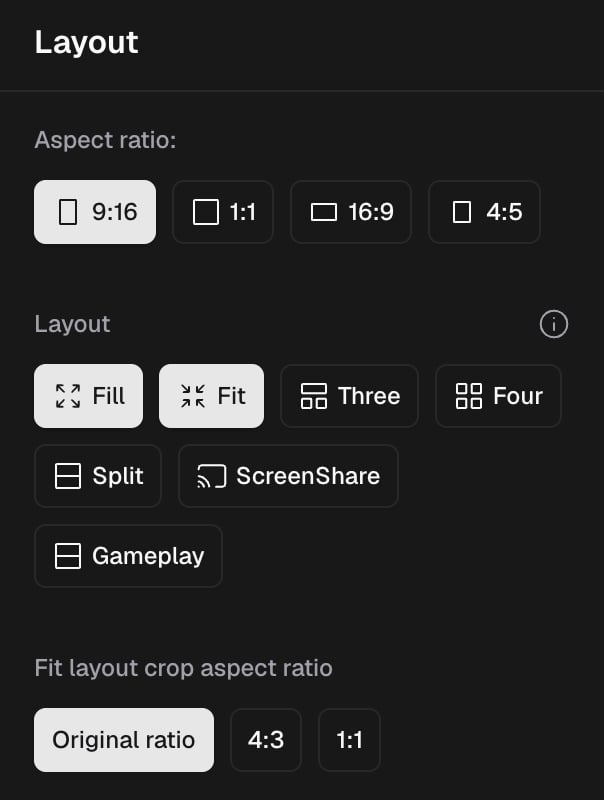
You can change your aspect ratio in Editor > Clip Layout Settings.
You can adjust your aspect ratio to either 9:16 (Vertical), 1:1 (Square), 16:9 (Landscape) or 4:5 (Portrait). Once you’ve chosen your desired ratio, please click Save Changes to apply.
If you’d like to change the aspect ratio of your Crop, please check out this article.