> ## Documentation Index
> Fetch the complete documentation index at: https://help.opus.pro/llms.txt
> Use this file to discover all available pages before exploring further.
# Refunding a Project
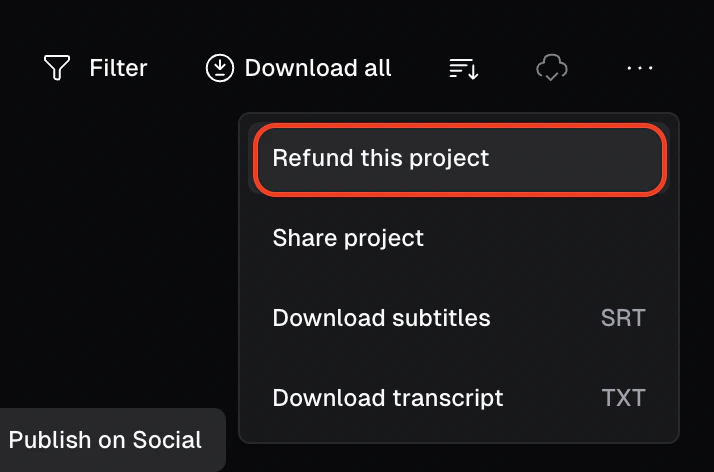
If you're a **Pro user** and haven't downloaded any clips yet, you can refund your project by clicking the refresh arrow on the top right of the clip preview page. Just select **Refund this project**, provide feedback in the popup window, and you're set!
Your credits will be refunded, allowing you to re-upload your video. However, once you've downloaded a clip, refunding is no longer available.
You will be able to refund your project up to 14 days after the initial upload.