> ## Documentation Index
> Fetch the complete documentation index at: https://help.opus.pro/llms.txt
> Use this file to discover all available pages before exploring further.

# AI Emojis/Keywords

OpusClip uses AI to automatically add relevant emojis to your subtitles.

## How to turn on AI emojis?

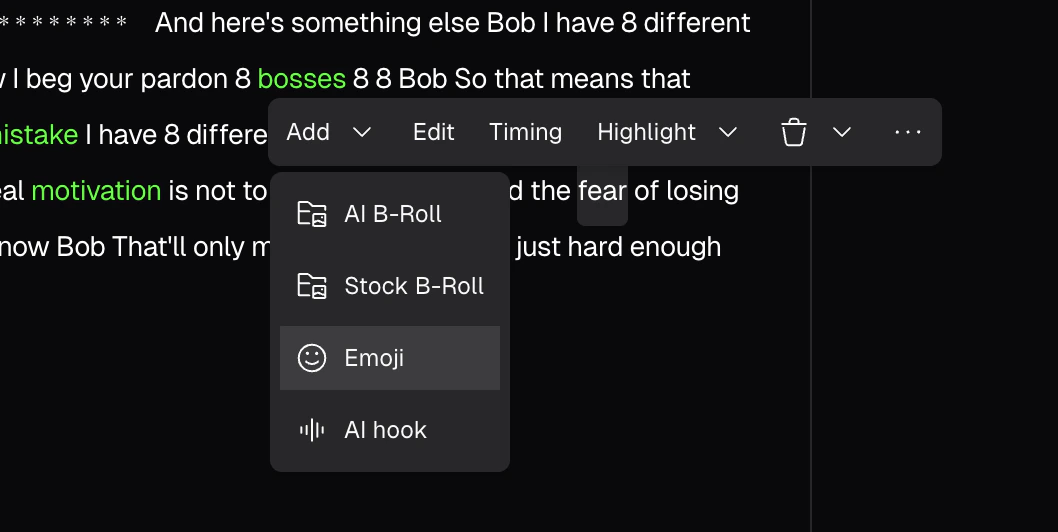
You can click into **"AI Enhance"** from right sidebar and toggle on **"AI Emoji"** feature.

<div className="img-frame">
  <img src="https://mintcdn.com/opusclip-c3e48c12/7i57AL9_SzMSJI7P/images/imgs/screenshot0409-11.png?fit=max&auto=format&n=7i57AL9_SzMSJI7P&q=85&s=909d971a374f90070dbaea32063053e2" noZoom width="774" height="1220" data-path="images/imgs/screenshot0409-11.png" />
</div>

## How to edit emojis?

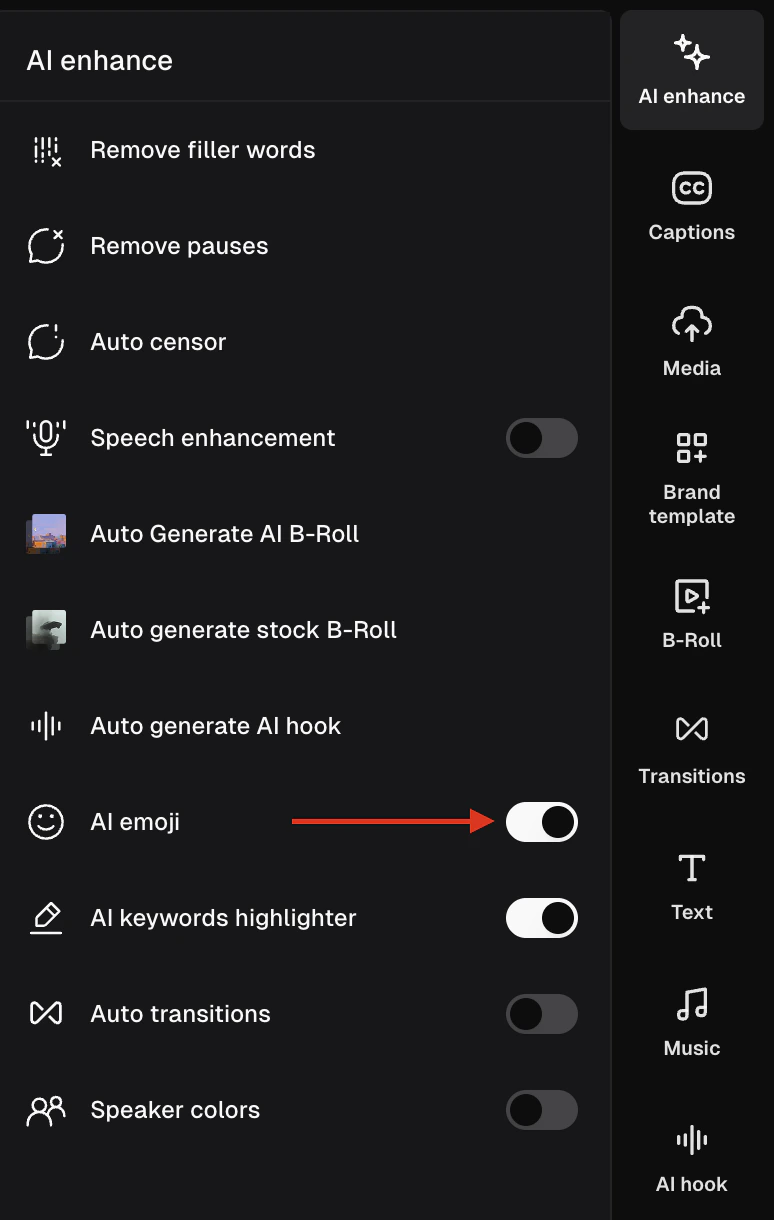
You can click a word and then select **Emoji** option from the dropdown list of **Add**.
<div className="img-frame">
  <img src="https://mintcdn.com/opusclip-c3e48c12/7i57AL9_SzMSJI7P/images/imgs/screenshot0409-01.png?fit=max&auto=format&n=7i57AL9_SzMSJI7P&q=85&s=398445f56462ba55536019e29ff97089" noZoom width="1058" height="532" data-path="images/imgs/screenshot0409-01.png" />
</div>